Filters configuration
By default, all the traffic will be monitored by the application.
However, you can set filters to explicitly limit the analysis to the kind of traffic you’re most interested in.
Filters are set in the application initial page.
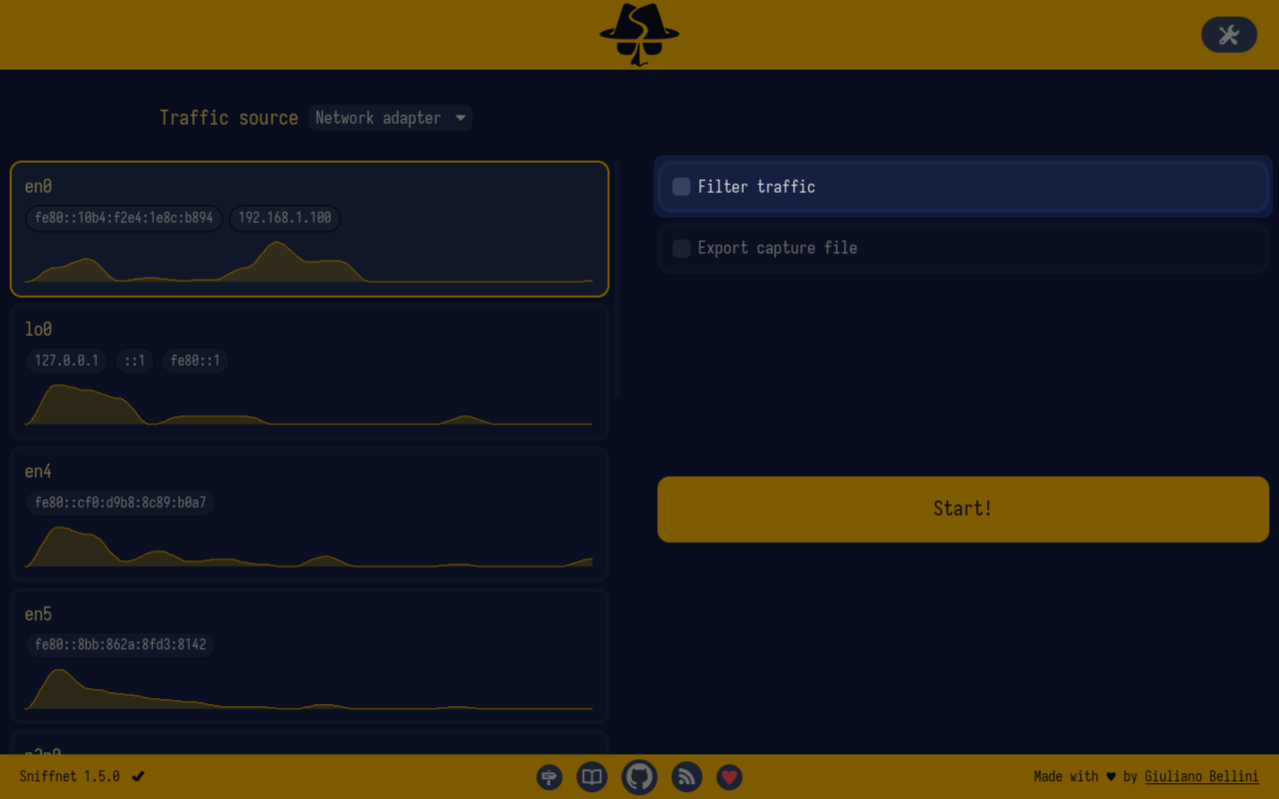
Filters are specified in a textual form; more precisely, they consist of a Berkeley Packet Filter (BPF) expression, which is a standardized, powerful, and flexible way to specify the traffic you want to monitor.
The picture below, for instance, shows a filter program to only accept traffic that is either TCP or UDP, and has a source IP address in the 192.168.1.0/24 subnet.

Sniffnet accepts all the BPF expressions supported by the standard: for more information about how to write them, you can refer to online documentation.