PCAP file export
Since version 1.3, Sniffnet allows exporting the captured network traffic as a PCAP file.
This special format is widely adopted among network monitoring tools and is useful in case you want to keep a copy of the data to perform further, more careful inspections.
You can configure whether to export a capture file in the initial page of the app.
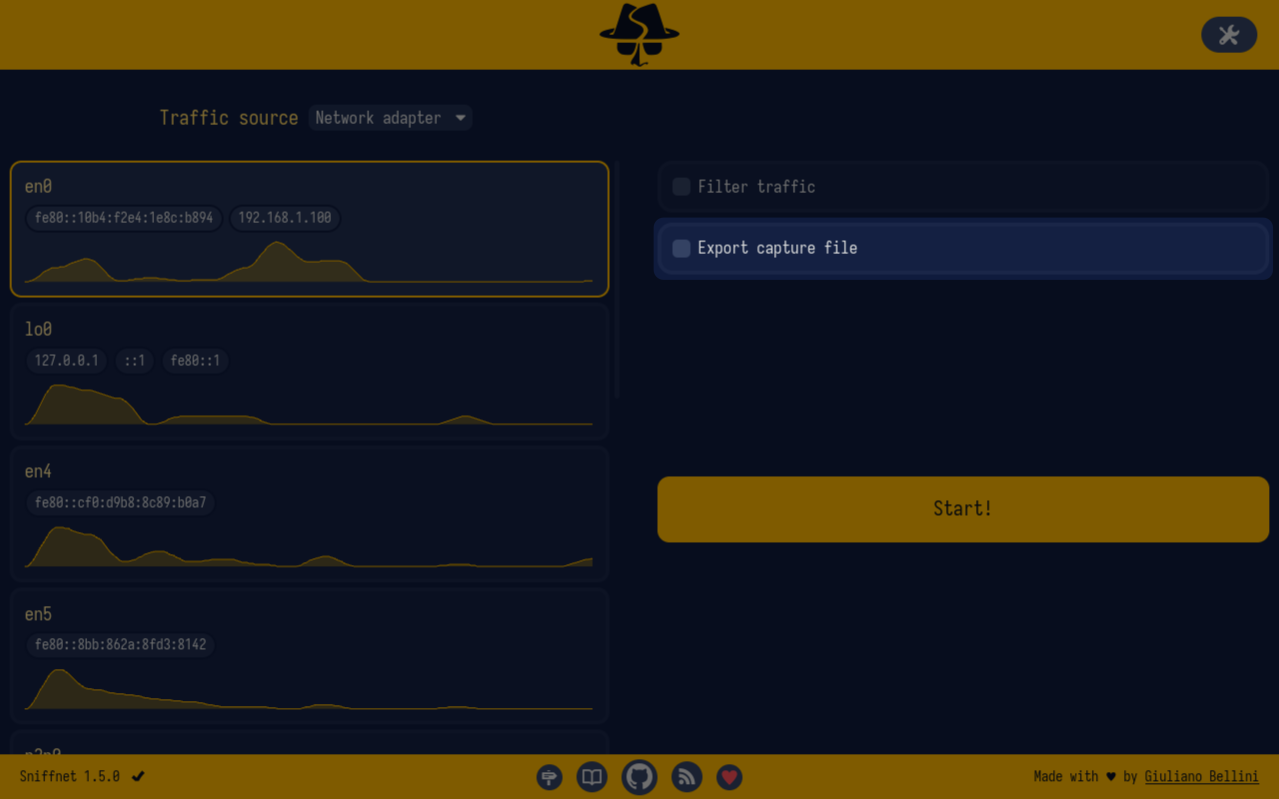
By default, this functionality is not active, but you can enable it by clicking on the dedicated checkbox.

You can customise the output path of the file by setting a file name (default: sniffnet.pcap) and picking a target directory (defaults to your home directory).
Exporting a PCAP file means generating an amount of data equal to that in transit on the network adapter.
Be aware that you can quickly fill your disk space if you are exchanging huge amounts of traffic: enable this functionality only when needed!